
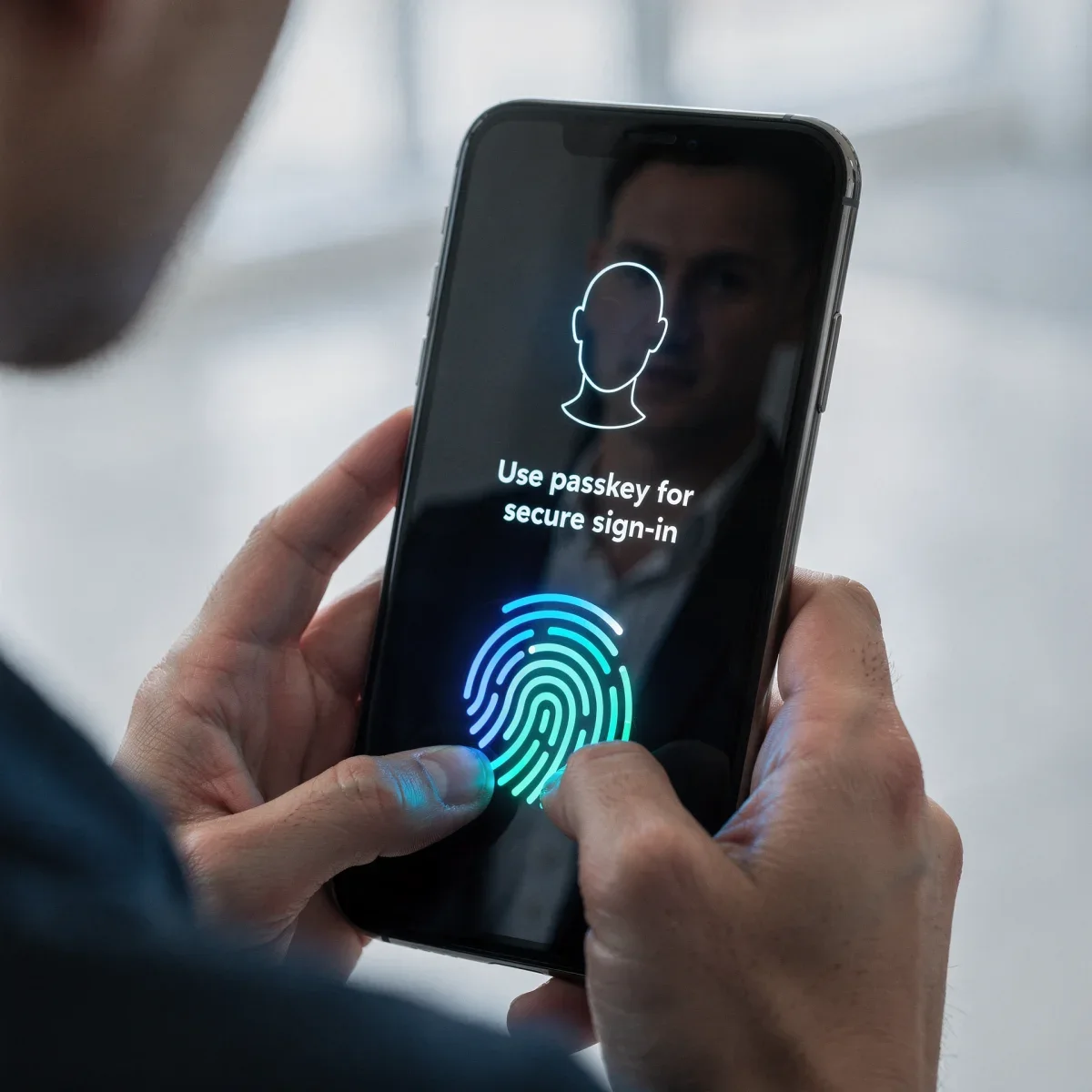
If you feel exhausted from managing dozens of complex logins or resetting forgotten credentials every month, you are not alone. You have probably started seeing prompts from Google, Apple, and Amazon asking you to create a passkey instead of typing your usual password. Understanding what are passkeys and how they protect your personal data can help you simplify your digital routine while dramatically boosting your security.
Advertisements
Passkeys are a modern login standard built to make signing into websites and mobile apps as quick as unlocking your phone. Instead of memorizing strings of letters and symbols, you authenticate yourself using your device's built-in biometrics, such as Face ID, Touch ID, or your device PIN.
How Passkeys Work Behind the Scenes
Passkeys rely on a proven security method called public-key cryptography. When you create an account or upgrade an existing login, your device creates a cryptographic key pair consisting of two separate parts:
- The Public Key: This is stored on the website or service server (like Amazon, Best Buy, or PayPal). It is not secret and cannot be used by attackers to log into your account.
- The Private Key: This remains securely stored on your personal device (your iPhone, Android phone, Mac, or Windows PC). It is never shared with the website.
When you sign in, the website sends a unique cryptographic challenge to your device. You confirm your identity using your face, fingerprint, or lock-screen PIN, and your device signs the challenge using your private key. Since the private key never leaves your hardware, hackers cannot steal it from a corporate data breach.
Why Passkeys Are Replacing Traditional Passwords
Traditional passwords have obvious flaws. People reuse them, write them down, or fall victim to deceptive phishing links. Passkeys solve these vulnerabilities at the foundation.
| Feature | Traditional Password | Passkey |
|---|---|---|
| Phishing Resistance | Vulnerable to fake websites | Immune to fake domain spoofing |
| Data Breach Risk | High if servers are hacked | Zero risk from server leaks |
| Login Speed | Slow (requires typing/2FA codes) | Instant (biometric tap) |
| Memorization | Requires memory or password manager | No memorization needed |
Because passkeys are cryptographically tied to the exact website domain you registered on, your device will simply refuse to sign in if you accidentally click a malicious copycat link. That makes passkeys virtually immune to standard phishing scams.
How to Start Using Passkeys on Your Devices
Setting up your first passkey takes less than a minute on supported services. Major tech ecosystems back the technology, so your keys sync seamlessly across your personal hardware.
- Apple Ecosystem: Saved passkeys sync securely across your iPhone, iPad, and Mac via iCloud Keychain with end-to-end encryption.
- Google & Android: Stored passkeys sync across Android phones, tablets, and Chrome browsers using Google Password Manager.
- Third-Party Password Managers: Tools like 1Password and Dashlane also store and sync passkeys across different operating systems.
To enable one, open the account security settings on a supported site (such as your Google or Target account), select the option to create a passkey, and confirm using your fingerprint or facial scan.
Quick Takeaways
- Passkeys replace typed passwords with secure biometric logins using Face ID, Touch ID, or a device PIN.
- They use public-key cryptography, keeping your private key safely on your phone or laptop.
- Passkeys prevent phishing because your device only releases credentials to the authentic website domain.
Frequently Asked Questions
What happens if I lose my phone with my passkeys on it?
Your passkeys back up securely to your cloud account (like Apple iCloud Keychain or Google Password Manager). When you set up a new device and log in, your passkeys restore automatically.
Can a passkey be hacked in a company data breach?
No. Companies only store public keys on their servers. Even if hackers breach a website's database, the public key is useless without the private key stored physically on your personal device.
Do I need an internet connection to use a passkey?
Yes, your device needs to communicate with the website's server to complete the cryptographic handshake, just like logging in with a standard password requires an internet connection.
Ready to Ditch Your Passwords?
Now that you know what are passkeys and how much safer they make your daily browsing, try creating one on your primary email or shopping account today. Check out our latest tech guides for more tips on streamlining your digital security.