
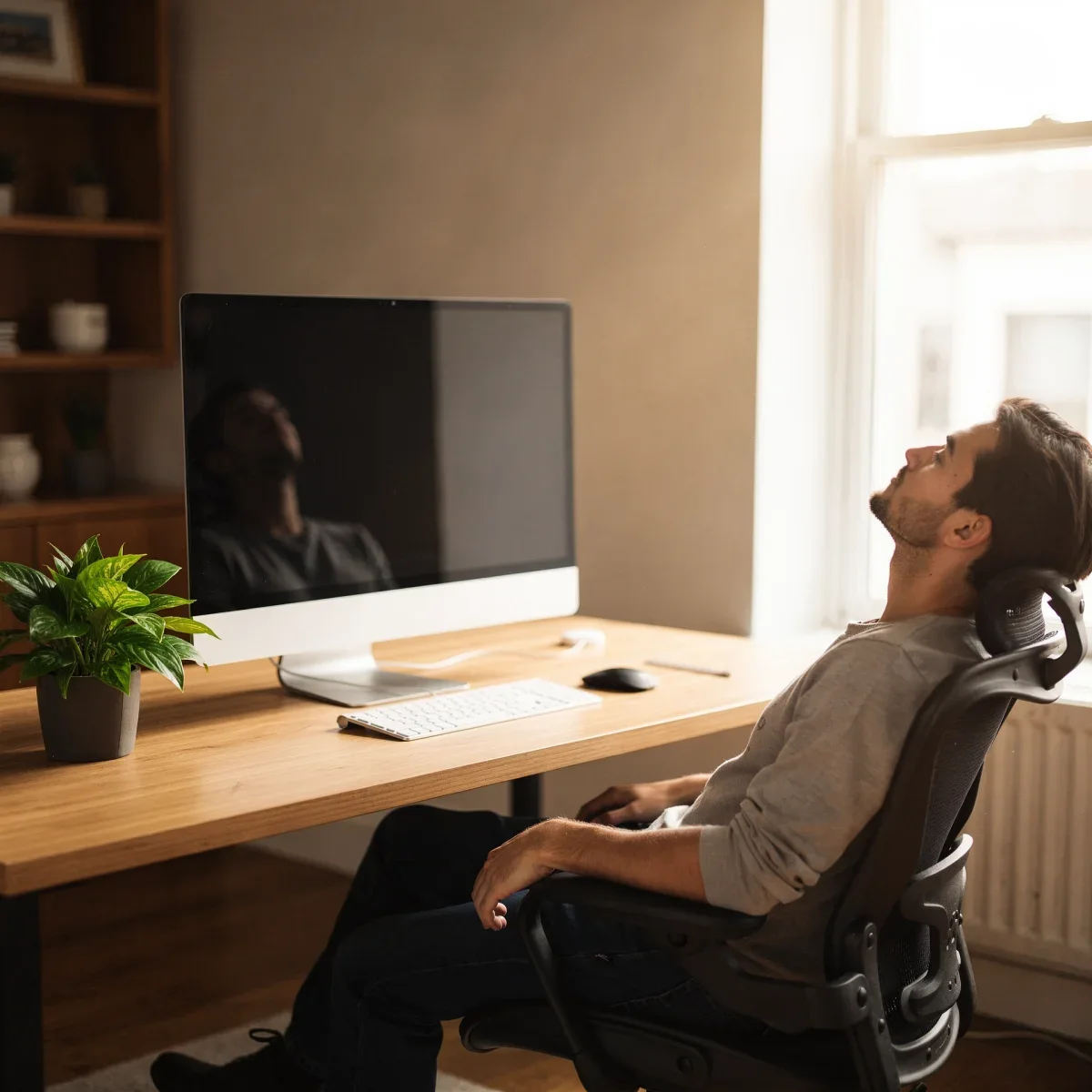
Between work laptops, smartphones, e-readers, and evening streaming on television, our eyes work overtime every single day. If you regularly experience dry eyes, tension headaches, or blurry vision after hours at your desk, you are far from alone. Fortunately, adopting daily habits to support your eye health does not require complicated overhauls or expensive gear.
Advertisements
Master the 20-20-20 Rule and Active Blinking
One of the easiest, research-backed habits recommended by eye care professionals is the 20-20-20 rule. Every 20 minutes of screen time, pause to look at an object at least 20 feet away for at least 20 seconds. This simple pause relaxes the ciliary muscles inside your eyes, which tense up during prolonged close-up focus.
When we stare at digital displays, our natural blink rate drops by nearly half. Blinking spreads tears evenly across the ocular surface, preventing irritation and redness. Try setting a subtle hourly chime on your smartwatch or placing a sticky note on your monitor to remind yourself to take micro-breaks and blink deliberately.
Optimize Your Workspace Lighting and Monitor Position
Your physical environment plays a massive role in visual comfort throughout the day. Staring at a bright screen in a pitch-black room forces your pupils to constantly expand and contract, causing quick fatigue. Aim for balanced, indirect ambient lighting that matches the brightness of your display.
| Workspace Factor | Recommended Setup | Common Mistake to Avoid |
|---|---|---|
| Monitor Distance | 20 to 28 inches away (about arm's length) | Sitting too close (under 15 inches) |
| Screen Height | Top of monitor at or slightly below eye level | Looking upward at an elevated screen |
| Room Lighting | Diffused, warm ambient light | Harsh overhead fluorescents or dark rooms |
| Display Angle | Tilted slightly backward (10 to 20 degrees) | Direct perpendicular glare from windows |
To reduce glare, avoid positioning your monitor directly in front of or behind an uncovered window. A matte screen protector or adjustable desk lamp with warm color temperature settings can make a noticeable difference during long work sessions.
Nourish Your Eyes with Nutrient-Dense Foods
What you put on your plate provides the building blocks your retinas need for long-term function. A balanced diet rich in antioxidants, omega-3 fatty acids, and specific carotenoids helps protect ocular tissues from oxidative stress.
- Lutein and Zeaxanthin: Found in dark leafy greens like spinach and kale, as well as pasture-raised egg yolks. These compounds accumulate in the macula, filtering high-energy light.
- Omega-3 Fatty Acids: Abundant in wild salmon, chia seeds, and walnuts. Research suggests omega-3s support tear film stability and may reduce dry eye symptoms.
- Vitamin C and Vitamin E: Found in citrus fruits, bell peppers, almonds, and sunflower seeds to help protect cells against daily cellular stress.
- Hydration: Drinking adequate water throughout the day ensures your body can produce high-quality basal tears to lubricate your eyes.
Adjust Your Device Settings for Visual Comfort
You can customize your devices to be far gentler on your vision. Most modern operating systems include built-in display adjustments that reduce visual fatigue with minimal effort:
- Increase Font Size: Instead of leaning closer to read tiny text, scale your system fonts up to 110% or 125%.
- Enable Night Mode / Warm Display: Turn on built-in blue light reduction settings (like Night Shift or Night Light) in the evening to help preserve healthy sleep rhythms.
- Adjust Contrast and Brightness: Match your screen brightness to the surrounding room so the display does not feel like a glaring flashlight.
- Keep Screens Dust-Free: Smudges and dust reduce contrast, forcing your eyes to focus harder than necessary. Wipe your monitors weekly with a microfiber cloth.
Quick Takeaways
- Practice the 20-20-20 rule consistently to relieve ciliary muscle tension and refresh your tear film.
- Position your primary screen at arm's length with the top edge aligned slightly below eye level.
- Eat a nutrient-dense diet rich in leafy greens, omega-3s, and stay well hydrated to nourish delicate eye tissues.
Frequently Asked Questions
Do blue light glasses actually help prevent eye strain?
Research shows blue light glasses mainly help reduce evening circadian disruption rather than physical eye strain. Taking frequent breaks and adjusting room glare provide more reliable relief for tired eyes during the workday.
How often should adults get a comprehensive eye exam?
Most optometrists recommend an exam every one to two years for adults. Comprehensive exams check visual acuity as well as overall ocular pressure, optic nerve health, and early signs of retinal conditions.
What is the fastest way to relieve dry eyes at a computer?
Using preservative-free lubricating eye drops (artificial tears), running a desktop humidifier, and consciously taking slow, complete blinks provide immediate, effective relief from surface dryness and irritation.
Conclusion
Taking intentional steps to support your eye health keeps your focus sharp and prevents uncomfortable digital fatigue. Start by implementing just one adjustment today, such as repositioning your monitor or scheduling regular 20-second breaks. If you want more practical ways to optimize your daily wellness, explore our latest wellness guides and subscribe to our newsletter for weekly health tips.
This article is for informational purposes only and is not a substitute for professional medical advice. Talk to your doctor before making changes to your health routine.