
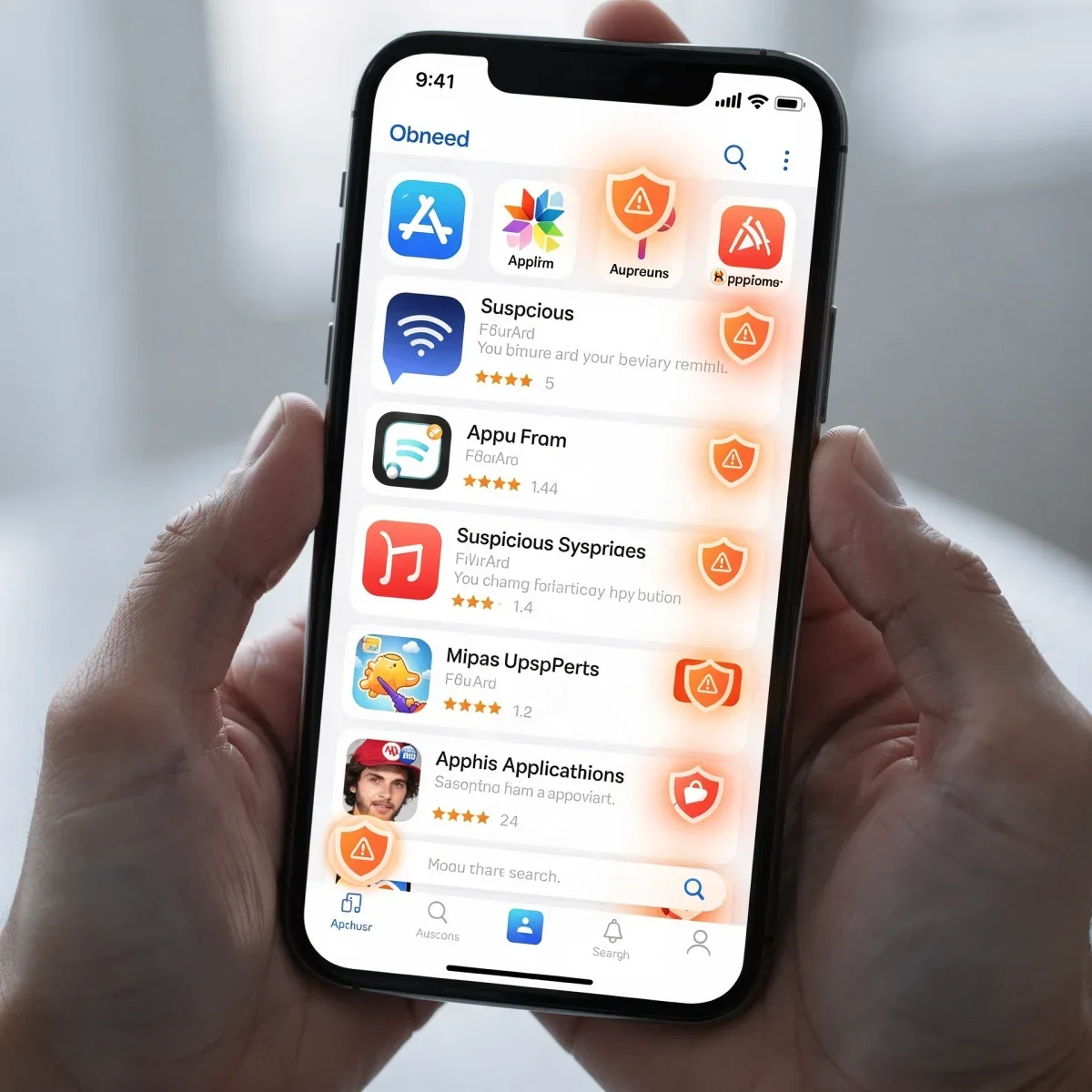
You find an app that promises to edit photos with cutting-edge AI, manage your bank accounts, or stream your favorite shows for free. The icon looks familiar, and the download button is right there. But after you tap install, your phone slows down, pop-up ads flood your home screen, or worse, your personal login credentials get stolen.
Advertisements
Learning how to spot fake apps is an essential mobile security skill. While both Apple and Google use automated filters and review teams to police their platforms, malicious clones, adware vectors, and copycat apps still slip through the cracks. Here is everything you need to check before you install any new application.
The Biggest Red Flags of a Counterfeit App
Scammers rely on impulse downloads. They mimic trending games, popular streaming services, and utility tools hoping you will not look closely. Taking thirty seconds to inspect the listing details can save you hours of troubleshooting.
- Misspelled Developer Names: Scammers often create developer accounts with subtle typos of well-known brands, such as replacing a lowercase 'l' with an uppercase 'I' or adding unnecessary hyphens.
- Unusual App Titles and Icons: Fake apps frequently use low-resolution logos, stretched graphics, or titles packed with keyword stuffing (e.g., 'Free Music Downloader Audio Player Pro Max Studio').
- Generic or Bot-Generated Descriptions: Read the app overview carefully. Machine-translated text, broken grammar, and vague descriptions that never clearly explain what the app does are major warning signs.
- Brand-New Release Dates with Massive Install Counts: If an app claims millions of downloads but launched only three days ago, those numbers are artificially manipulated.
How to Audit Reviews and Download Numbers
A high star rating does not guarantee that an app is legitimate. Rogue developers purchase fake five-star reviews in bulk to boost their rankings on search charts. To spot fake apps, you have to read between the lines of user feedback.
Sort the reviews to view the most recent and critical one-star ratings first. Real users who fell for a scam will quickly warn others about aggressive ads, unexpected subscription charges, or broken functionality. If hundreds of five-star reviews sound identical, use repetitive phrases, or consist of just one word like 'Great' or 'Nice,' they are likely automated bots.
| Legitimate App Indicators | Fake App Red Flags |
|---|---|
| Verified developer website and clear privacy policy | Free email address (like generic Gmail) listed for support |
| Consistent update history with detailed patch notes | No update history since initial upload |
| Realistic mix of detailed user feedback | Wave of generic 5-star ratings followed by 1-star scam warnings |
| Requests only necessary hardware permissions | Requests access to SMS, contacts, and accessibility services |
Check App Permissions Before and After Installation
One of the most dangerous aspects of rogue software is permission abuse. A simple calculator or wallpaper app has no technical reason to access your contacts, microphone, location, or text messages. When an app requests broad access to your device, proceed with extreme caution.
Pay special attention to requests for Accessibility Services on Android. While designed to assist users with disabilities, malicious apps exploit this permission to read your screen, intercept two-factor authentication codes from your SMS inbox, and tap buttons without your interaction. On iOS, be wary of apps that immediately prompt you to install custom configuration profiles from external links.
What to Do If You Downloaded a Fake App
If you suspect an app on your phone is rogue, take action immediately to protect your data and prevent unauthorized charges:
- Delete the App: Long-press the icon and uninstall it immediately. On Android, check Settings > Apps to ensure no hidden background service remains active.
- Check Your Active Subscriptions: Open your Google Play or Apple ID account settings and review your active subscriptions. Cancel any unauthorized trials or recurring payments immediately.
- Scan Your Device: Run a scan using built-in tools like Google Play Protect or a trusted mobile security suite to check for residual adware or hidden payloads.
- Change Your Passwords: If the fake app prompted you to log in with your email, social accounts, or financial details, update those passwords right away and ensure two-factor authentication is active on every account.
Quick Takeaways: Staying Secure on App Stores
- Always verify the exact developer name, official website, and privacy policy before tapping install.
- Filter user reviews by critical ratings to see real user experiences and spot scam complaints.
- Deny unnecessary permission requests, especially access to SMS, location, contacts, and accessibility tools.
Frequently Asked Questions
Can fake apps bypass security on both iPhone and Android?
Yes. While Apple's App Store generally maintains stricter sandboxing rules, fleeceware and subscription scam apps still appear on iOS. Android users face additional risks from malware disguised as utilities that exploit system permissions.
What is fleeceware?
Fleeceware refers to apps that do not contain overt malware but abuse in-app purchases by charging exorbitant, hidden subscription rates (sometimes $50 or more per week) after a brief free trial ends.
How do I report a fake app on the app store?
On Google Play, scroll to the bottom of the app listing and tap Flag as inappropriate. On the Apple App Store, scroll down on the listing page and select Report a Problem.
Wrap-Up
Taking a few extra seconds to review developer details and user feedback will help you spot fake apps before they compromise your device. Keep your operating system updated, stick to official storefronts, and audit your installed apps regularly to keep your phone fast, secure, and private.