
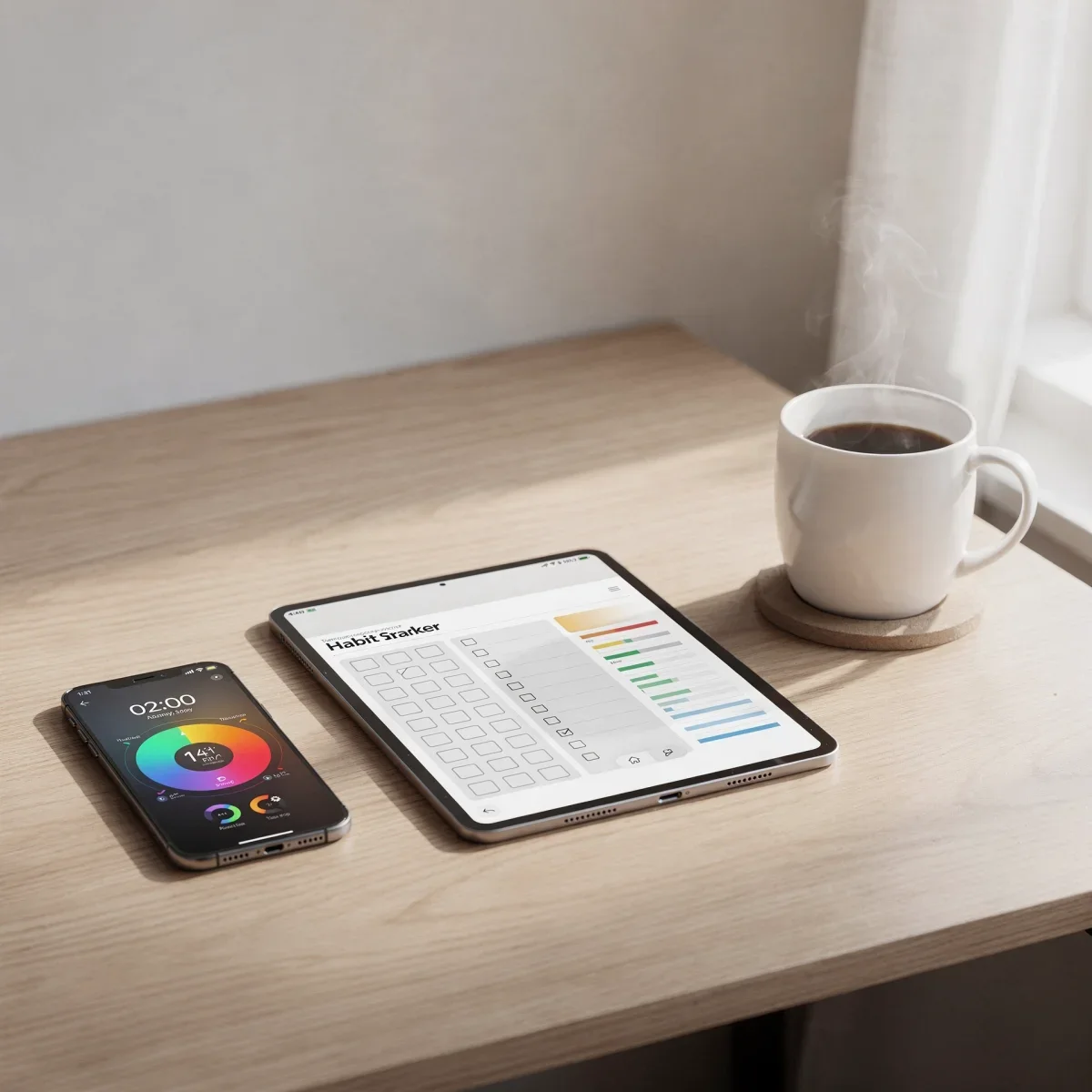
Every January, millions of us promise to curb our screen time, clean out messy inboxes, and stop doomscrolling before bed. Yet by mid-February, old habits creep back in, and our phones are back on our nightstands buzzing all night. If you want to learn how to set digital resolutions that genuinely last, you need systems rather than sheer willpower.
Advertisements
Why Most Tech Resolutions Fail Within Weeks
Most digital goals fail because they are too vague or overly punitive. Declaring that you will "spend less time online" gives your brain zero actionable direction. When a resolution feels like deprivation, you naturally resist it.
Apps and social feeds are deliberately designed to capture your attention through variable reward loops. Fighting multi-billion-dollar algorithms with motivation alone is an uphill battle. Lasting success comes from reshaping your digital environment so healthy choices become the path of least resistance.
How to Set Digital Resolutions for Long-Term Success
To create sustainable digital habits, anchor your intentions to specific triggers and measurable actions. Here is a framework that helps you stay on track:
- Pick micro-habits: Instead of aiming for zero notifications, turn off badges for non-essential apps like shopping or social media.
- Define physical boundaries: Make your bedroom a phone-free sanctuary by charging your device in the hallway or kitchen overnight.
- Use replacement behaviors: If you reach for your phone during downtime, keep a physical book, e-reader, or journal on your coffee table instead.
- Audit before you delete: Review your built-in iOS Screen Time or Android Digital Wellbeing reports to identify your primary time drains before setting limits.
Practical Tech Tweaks That Build Friction
Friction is your best friend when managing device usage. Adding small hurdles between an impulse and an action allows your conscious brain to catch up.
| Tactic | How It Works | Effort Level |
|---|---|---|
| Grayscale Mode | Removes vibrant colors from your screen, making apps far less visually stimulating. | Low (One-time toggle in accessibility settings) |
| Dedicated Charging Station | Charges your device across the room or outside the bedroom to prevent mindless scrolling in bed. | Low (Requires a standard charging cable) |
| Home Screen Purge | Moves distracting apps off the main screen and into folders or search-only mode. | Medium (Takes 10 minutes to organize) |
Quick Takeaways
- Specific, friction-based rules beat vague intentions every time.
- Charging your phone away from your bed instantly cures nighttime and morning doomscrolling.
- Regular, small digital audits keep inbox clutter and storage bloat from overwhelming you.
Frequently Asked Questions
How long does it take to reset digital habits?
Most people notice lower urge levels within two weeks of building friction, but solidifying sustainable tech habits usually takes two to three months of consistent daily practice.
What is the easiest digital resolution to start with?
Moving your phone charger out of the bedroom is the simplest high-impact fix. It immediately eliminates late-night scrolling and helps you wake up without reaching for alerts.
Do app limits actually work?
App limits work best when paired with an accountability partner or passcode you do not easily bypass. Used alone, built-in snooze options often weaken their effectiveness.
Building Habits That Last
When you choose to set digital resolutions rooted in realistic boundaries and intentional friction, tech returns to its rightful role as a useful tool. Start with one simple change this week, track how you feel, and subscribe to our newsletter for more practical tech tips and lifestyle guides.