
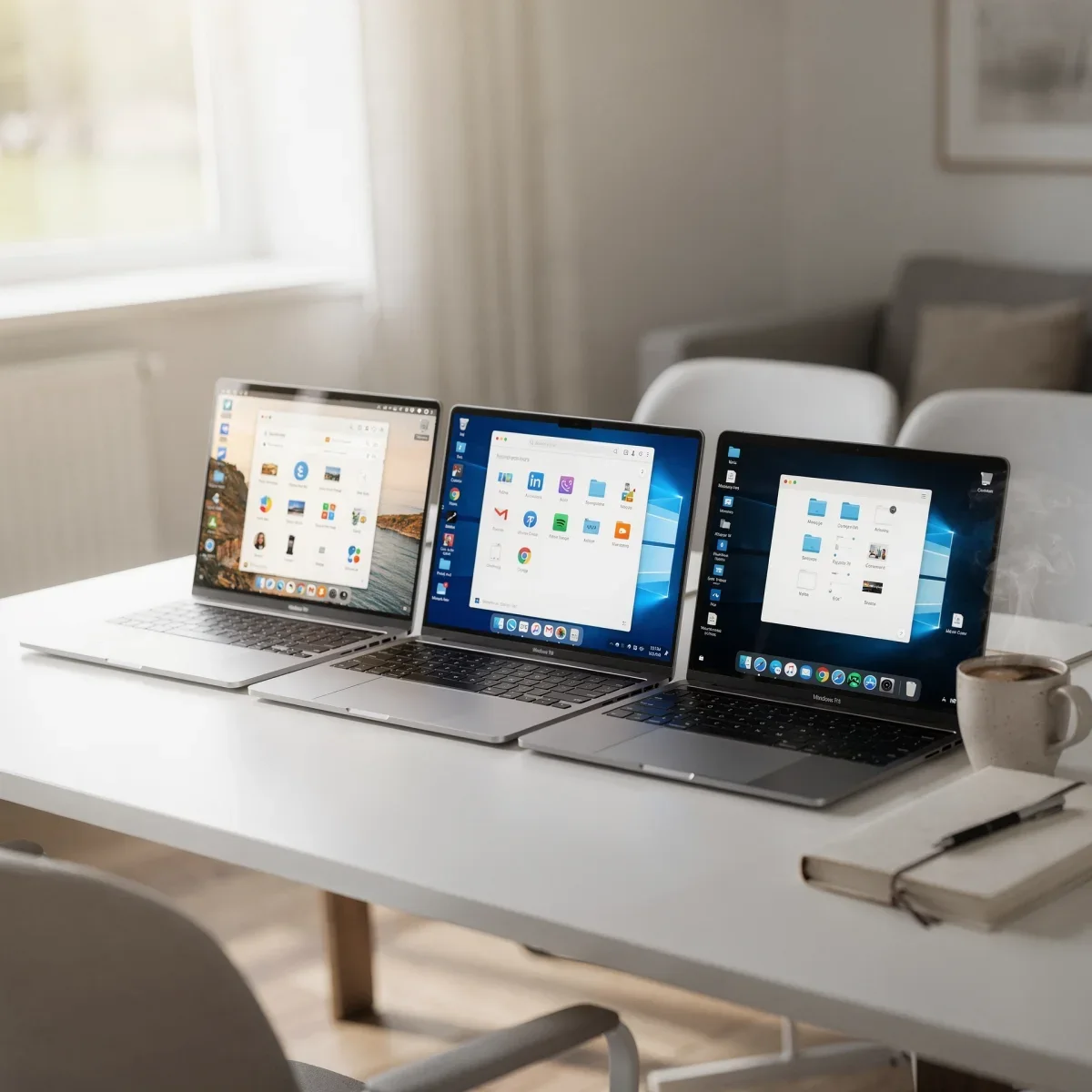
Shopping for a new computer can feel overwhelming with dozens of brands and configurations on shelves at stores like Best Buy and Amazon. Choosing between a Chromebook, Windows, or Mac laptop sets the foundation for your daily digital life, influencing everything from battery life to software compatibility. Whether you need a simple machine for web browsing, a powerhouse for creative projects, or a flexible workhorse for the office, this guide will help you pinpoint the right operating system for your budget and workflow.
Advertisements
Chromebooks: Simplicity, Value, and Cloud Convenience
Chromebooks run on Google’s lightweight ChromeOS. They are built around cloud-first computing, making heavy use of the Google Chrome browser and Google Workspace apps like Docs, Sheets, and Drive. Most modern models also support Android apps via the Google Play Store and Linux applications for extra versatility.
If your daily routine consists of streaming Netflix, drafting emails, managing spreadsheets, and joining Zoom calls, a Chromebook handles it smoothly. Hardware options range from budget-friendly $150 models to premium devices from brands like Acer, ASUS, and HP. Battery life is typically stellar because ChromeOS demands far fewer system resources than traditional desktop operating systems.
The primary trade-off is software limitation. You cannot run full desktop versions of software like Adobe Premiere Pro or traditional Windows executable (.exe) files. Offline functionality has improved, but Chromebooks are still at their best when connected to Wi-Fi.
Windows Laptops: Maximum Versatility and Gaming Dominance
Windows remains the most flexible operating system on the market. From affordable sub-$400 student models to custom gaming rigs and luxury ultrabooks, hardware variety is virtually limitless. Major manufacturers like Dell, Lenovo, HP, and Microsoft offer standard clamshell laptops, touchscreen 2-in-1s, and dual-screen form factors.
When it comes to software, Windows runs almost anything: specialized enterprise software, creative suites, engineering tools, and legacy PC games. If PC gaming via Steam, Epic Games, or Xbox Game Pass is a priority, Windows is the uncontested platform of choice.
The downside is consistency. Because hundreds of different hardware components run Windows, performance and battery life vary widely across price tiers. Cheaper machines may come with pre-installed bloatware or shorter battery runtimes compared to competing platforms.
MacBooks: Premium Hardware and Seamless Ecosystem Integration
Apple’s MacBook Air and MacBook Pro lineups feature custom Apple Silicon chips, delivering exceptional speed alongside industry-leading battery efficiency. If you already use an iPhone, iPad, or Apple Watch, macOS integrates seamlessly through features like AirDrop, iMessage syncing, and Universal Clipboard.
Macs are the gold standard for many creative professionals, offering high-color-accuracy Retina displays, best-in-class trackpads, and robust performance in video editing, audio production, and graphic design software. Build quality across the MacBook range is uniformly premium with rigid aluminum enclosures that hold their resale value exceptionally well.
The main barrier is the entry price. The most affordable new MacBook typically starts around $999 (or slightly lower when on sale at retailers like Target or Best Buy). Upgrading storage and memory at checkout can also be expensive, and PC gaming support remains limited compared to Windows.
Comparing the Big Three at a Glance
| Platform | Best For | Starting Price Range | Key Strength |
|---|---|---|---|
| Chromebook | Students, light browsing, cloud tasks | $150 – $600 | Affordability and simplicity |
| Windows | Gamers, business pros, power users | $300 – $2,500+ | Software compatibility and choice |
| Mac | Creatives, Apple users, road warriors | $999 – $3,500+ | Battery life and build quality |
Quick Takeaways
- Pick a Chromebook if you want an affordable, low-maintenance device primarily for web browsing, streaming, and Google apps.
- Choose a Windows laptop if you need wide software compatibility, PC gaming, or diverse hardware options like 2-in-1 convertibles.
- Opt for a Mac if you are tied into the Apple ecosystem, value long battery life and top-tier build quality, or work in creative fields.
Frequently Asked Questions
Can a Chromebook run Microsoft Office?
Chromebooks cannot install traditional desktop Office (.exe) programs, but you can use the Microsoft 365 web apps in your browser or download the Android versions from the Google Play Store for basic editing.
Are MacBooks worth the extra money for casual users?
For basic web browsing, a MacBook is often more power than necessary. However, its long lifespan, durable aluminum chassis, and strong resale value can justify the higher upfront investment over time.
Is Windows better than Mac for college students?
It depends on your major. Engineering and business degrees often require specific Windows-only software, while design, communications, and liberal arts programs frequently lean toward Mac. Check your department's tech requirements before buying.
Choosing between a Chromebook, Windows, or Mac ultimately hinges on your daily software demands and budget. Take stock of your must-have programs, set your price limit, and check out our detailed laptop reviews to find your perfect daily driver.