
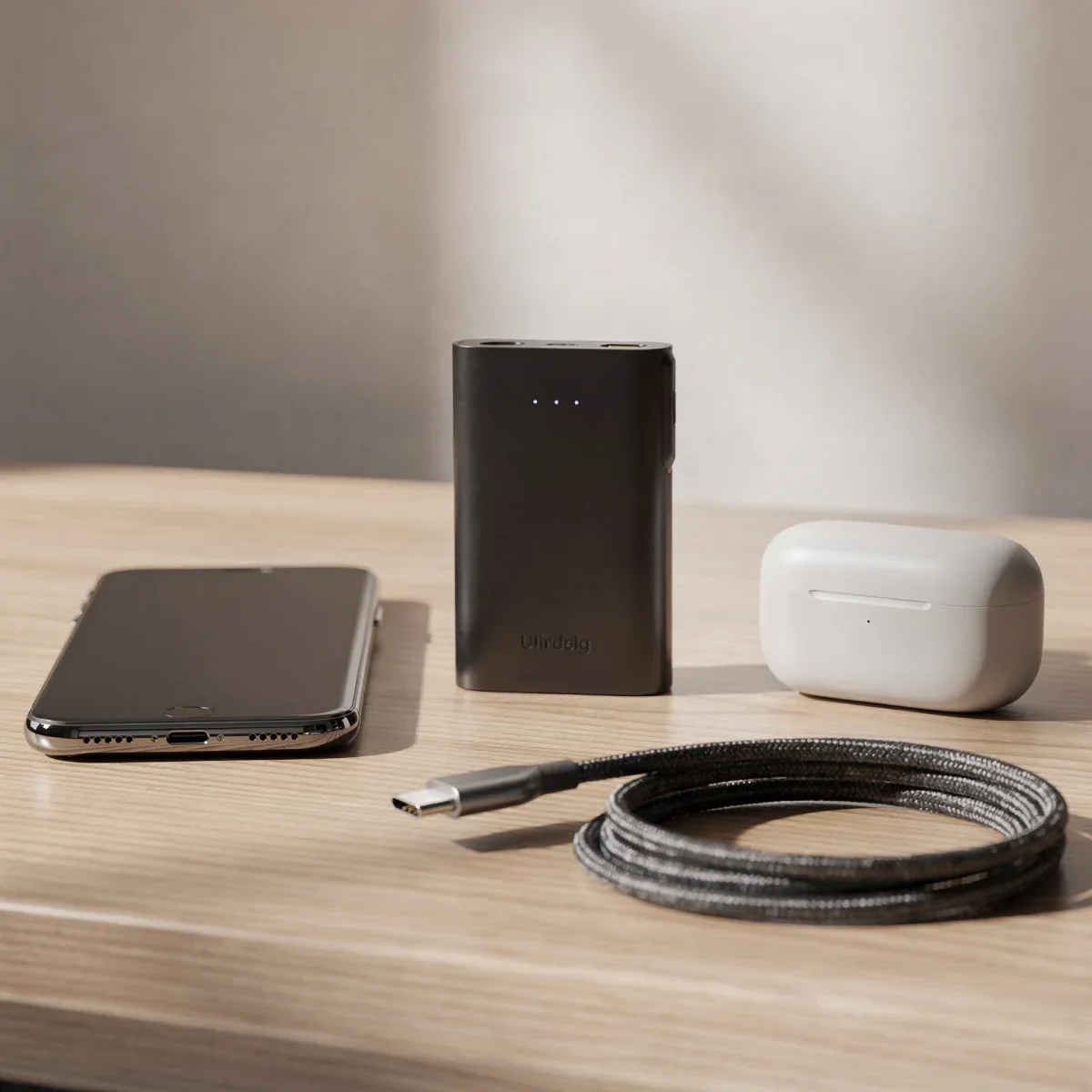
Few feelings compare to the dread of seeing your phone battery hit single digits when you are miles away from the nearest wall outlet. Whether you are catching a flight at JFK, spending a long day exploring a national park, or working out of a coffee shop, reliable backup power keeps you connected. Learning how to choose a portable charger ensures you get the exact amount of juice your gear requires without carrying dead weight in your bag.
Advertisements
The portable power market is flooded with thousands of options ranging from cheap $15 gas station sticks to heavy-duty bricks that can power high-performance laptops. Sorting through technical terms like milliamp-hours, watt-hours, Power Delivery, and Programmable Power Supply can feel overwhelming. This guide cuts through the marketing noise to show you exactly what specs matter, what features you can safely skip, and how to pick the right power bank for your lifestyle and budget.
Understanding Battery Capacity: Milliamp-Hours Explained
The first specification you will notice on any power bank packaging is capacity, almost always measured in milliamp-hours (mAh). In simple terms, milliamp-hours describe how much electrical charge the internal battery cells can store. While it might seem straightforward to divide the charger's capacity by your smartphone's battery capacity, the real-world math works a bit differently.
Internal lithium-ion cells usually operate at an average voltage of 3.7 volts. When the battery transmits power over a USB cable to your phone, it has to convert that power to 5 volts, 9 volts, or higher, depending on the fast-charging protocol. That voltage conversion, combined with heat dissipation and resistance in the charging circuitry and cable, results in energy loss. As a practical rule of thumb, you can expect roughly 65% to 70% usable efficiency from any portable power bank.
Here is what common capacity ranges deliver in daily use:
- 5,000 mAh: Ultra-compact and pocket-friendly. These slim units deliver about one full recharge to a standard smartphone. They are built for emergencies, evening concerts, or quick errands where you want minimum bulk.
- 10,000 mAh: The sweet spot for most people. A 10,000 mAh unit gives modern smartphones roughly 1.5 to 2 full charges, or recharges a tablet halfway. They fit easily into a jacket pocket or small crossbody bag without weighing you down.
- 20,000 mAh: The traveler's standard workhorse. These packs can recharge a flagship smartphone 3 to 4 times or provide a solid boost to a tablet or lightweight laptop. They are heavier, roughly the size of a paperback novel, and belong in a backpack or carry-on.
- 24,000 to 27,600 mAh: High-capacity bricks engineered for power users, remote workers, and photographers. They output enough continuous wattage to recharge power-hungry laptops like the MacBook Pro or Dell XPS multiple times.
Charging Speed, Wattage, and Power Delivery
Capacity tells you how long a battery pack can supply power, but wattage dictates how quickly your device will charge. Plugging your modern phone into an old 5-watt USB port means waiting hours for a meaningful boost. To get true fast charging, your power bank must support modern standards like USB Power Delivery (USB-PD).
Wattage is calculated by multiplying voltage by amperage. Modern smartphones and tablets generally accept between 20W and 45W of fast charging. If you pair an iPhone 15 or 16 with a charger capable of 20W USB-PD, you can go from 0% to 50% battery in about 30 minutes. If your power bank caps out at an older 10W or 12W output, that same charge will take twice as long.
If you plan to charge a laptop, wattage becomes your primary consideration. A small 20W power bank may keep your phone running, but a 13-inch or 14-inch laptop typically requires at least 45W to 65W to charge while in use. High-end 16-inch laptops and mobile workstations often require 100W or even 140W under heavy workloads. Attempting to charge a laptop with an underpowered bank often results in the battery draining faster than the pack can replenish it, or the laptop refusing the power source altogether.
Another spec to check is PPS (Programmable Power Supply), a subset of the USB-PD 3.0 standard. PPS allows the charger to dynamically adjust voltage and current in real time to match what your device can safely handle. If you use a modern Samsung Galaxy phone, a power bank with PPS is required to unlock Samsung's 25W or 45W Super Fast Charging modes.
How to Choose a Portable Charger by Device Type
To help you choose a portable charger that meets your exact needs, consider the specific mix of devices you carry every day. A setup optimized for lightweight daily commuting looks very different from a digital nomad travel kit.
For Everyday Commuters and Smartphones
If your goal is simply to prevent your smartphone from dying before you get home from the office, prioritize form factor over massive capacity. A 5,000 mAh to 10,000 mAh battery with a single USB-C port pushing at least 20W output is ideal. Many users love magnetic wireless battery packs that snap directly onto the back of an iPhone via MagSafe or newer Android devices supporting Qi2. While wireless charging is less energy-efficient and generates more heat than a physical cable, the convenience of ditching dangling cords on a crowded train makes it worth the trade-off for short top-ups.
For Frequent Travelers and Weekend Trips
When you are spending long days on planes, trains, and rental cars, battery drain happens fast due to constant cellular hunting, GPS navigation, and media streaming. A 15,000 mAh to 20,000 mAh pack with at least two output ports gives you the flexibility to charge your phone and wireless headphones simultaneously. Look for a model that supports passthrough charging, which lets you plug the power bank into a hotel wall outlet while charging your phone from the power bank at the same time.
For Laptops and Remote Work
Remote professionals who work from parks, coffee shops, or airports need serious output. Look for a high-output power bank rated between 20,000 mAh and 27,600 mAh that provides a minimum single-port output of 65W, with 100W preferred. Leading tech brands like Anker, Ugreen, and Baseus offer models featuring smart digital screens that display real-time input wattage, output wattage, and remaining battery percentage so you never have to guess how much reserve power you have left.
Power Bank Comparison: Matching Capacity to Real-World Use
Choosing the right balance of size, weight, and capacity is the key to buying a battery you will actually carry with you. Here is a side-by-side look at common power bank configurations:
| Battery Size | Typical Weight | Ideal Devices | Best Use Case |
|---|---|---|---|
| 5,000 mAh | 3.5 – 5 oz | Smartphones, earbuds | Evening outings, concerts, emergency pocket carry |
| 10,000 mAh | 6.5 – 8 oz | Smartphones, e-readers, action cameras | Daily commuting, full-day city exploration |
| 20,000 mAh | 12 – 16 oz | Tablets, phones, Nintendo Switch | Weekend trips, long-haul flights, camping |
| 24,000 – 27,600 mAh | 18 – 24 oz | Laptops, professional cameras, drones | Digital nomads, remote productivity, all-day off-grid work |
Ports, Cables, and Build Quality
The port layout on your portable charger determines which cables you need to pack and how many devices you can charge at once. Older chargers relied heavily on rectangular USB-A ports, but modern consumer tech has transitioned almost entirely to USB-C. USB-C ports offer higher power delivery, support bidirectional charging (meaning the same port can recharge the power bank and power your phone), and work with reversible cables.
When shopping, look for at least one dedicated USB-C in/out port. If you own legacy gadgets like an older Kindle, an older fitness tracker, or specific handheld gaming devices, having one secondary USB-A port can still be handy. Be aware that multi-port power ratings can be misleading. A battery advertised as a 65W charger might only provide 65W when one port is in use. If you plug in a second device, the charger will split that power, dropping the main port to 45W and the second port to 15W. Always check the port-distribution breakdown on the back of the packaging or the manufacturer product listing.
Build materials also play a role in longevity. Power banks featuring aluminum casings offer improved heat dissipation and durability, though they can scratch easily if thrown loosely into a bag next to your phone. Modern chargers made with Gallium Nitride (GaN) components generate less heat and allow manufacturers to build significantly smaller, lighter power packs than traditional silicon-based models.
TSA Rules and Flying with Power Banks
If you plan to fly with your charger, airline safety regulations are non-negotiable. The Federal Aviation Administration (FAA) and the Transportation Security Administration (TSA) strictly prohibit spare lithium-ion batteries in checked baggage due to fire risks. You must pack your portable chargers in your carry-on luggage or personal item.
Airlines also limit the size of the battery you can bring onboard without special carrier permission:
- 100 Watt-hours (Wh) or less: Allowed in carry-on bags with zero airline approval required. This covers virtually all power banks up to 27,000 mAh (at 3.7V, a 27,027 mAh battery equals roughly 100Wh). This is why many heavy-duty laptop power banks top out precisely at 27,600 mAh.
- 101 to 160 Watt-hours: Requires prior approval from your specific airline, and you are typically restricted to carrying no more than two spare batteries in this category.
- Over 160 Watt-hours: Strictly prohibited on passenger aircraft.
To calculate watt-hours yourself, multiply the battery capacity in amp-hours (Ah) by the nominal voltage (3.7V). For example, a 20,000 mAh battery is 20 Ah. Multiply 20 by 3.7, and you get 74 Wh, which is well below the legal 100 Wh cutoff.
Quick Takeaways: Key Points
- Size for reality: Pick a 10,000 mAh pack with 20W to 30W output for daily phone use, or step up to 20,000+ mAh and 65W+ output if you need to run a laptop.
- Prioritize USB-C and PD: Look for bidirectional USB-C ports that support USB Power Delivery (and PPS if you use Samsung devices) for fast, efficient top-ups.
- Watch the 100Wh travel limit: Keep your power banks in your carry-on bag and verify that high-capacity packs remain under 100 watt-hours (roughly 27,000 mAh) for hassle-free airport security.
Frequently Asked Questions
Can a portable charger ruin my phone battery?
No, reputable chargers will not harm your phone. Modern devices contain built-in battery management chips that draw only the exact wattage they can safely handle. Avoid counterfeit or unbranded bargain-bin batteries that lack certified overcharge and overheating protection.
How long does a power bank last before it degrades?
Most quality lithium-ion power banks retain about 80% of their initial capacity after 300 to 500 complete recharge cycles. For typical users recharging the pack once or twice a week, that translates to three to four years of reliable service.
Can I charge my power bank and phone at the same time?
Yes, if your power bank supports passthrough charging. This feature routes wall power to your connected device first while recharging the battery pack second, making it an excellent space-saving option when hotel outlets are limited.
Taking the time to evaluate your real power needs makes it easy to choose a portable charger that keeps your favorite gadgets running all day long. Before heading out on your next trip, match your device wattage requirements with a certified, flight-ready battery pack from a trusted brand. Check out our gear section for more hands-on tech reviews, packing guides, and device recommendations.