
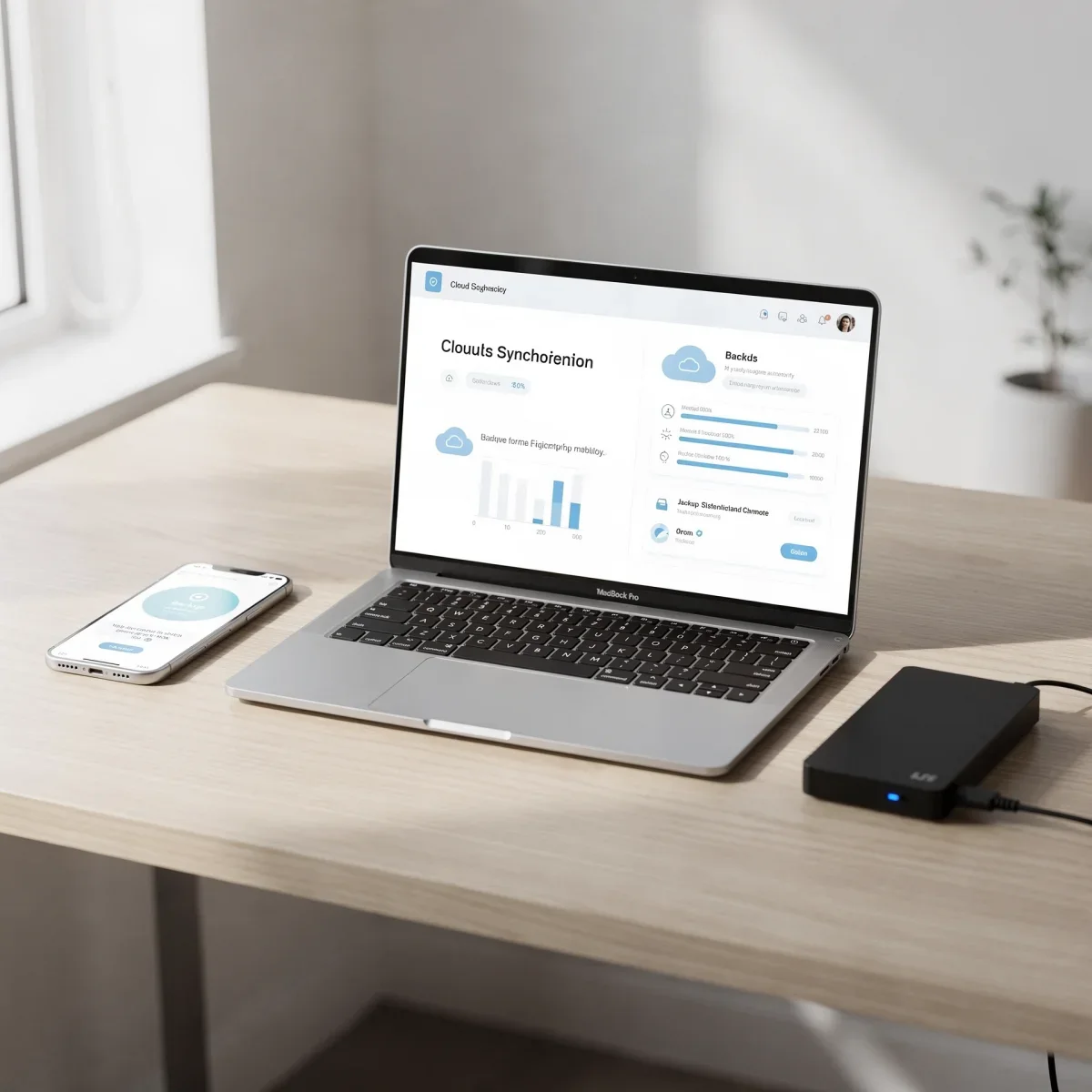
Running out of space on your phone or laptop is one of the most frustrating modern tech hurdles. Whether you need a secure spot for years of family photos or a shared workspace for documents, finding the right cloud storage plans can save you money and prevent digital clutter. Here is everything you should evaluate before committing to a monthly or annual subscription.
Advertisements
Understanding How Cloud Storage Works
Cloud storage keeps your files on remote servers maintained by a service provider. Instead of relying solely on your phone's internal memory or a physical external drive in your desk drawer, you can access, edit, and share files across any internet-connected device.
Most platforms offer automatic syncing. When you snap a photo on your phone or drop a PDF into a designated folder on your computer, the file uploads in the background. If your device breaks, loses power, or goes missing, your data remains safe online.
Comparing the Major Cloud Storage Plans
Most major tech companies offer tiered storage models. Free tiers usually range from 5 GB to 15 GB, which fills up quickly with modern photo resolutions and video clips. Here is how the leading consumer providers stack up at the time of writing:
| Provider | Entry Tier Price | Popular Mid/High Tier | Best Ecosystem Fit |
|---|---|---|---|
| Google One | $1.99/mo (100 GB) | $9.99/mo (2 TB) | Android, ChromeOS, Gmail users |
| Apple iCloud+ | $0.99/mo (50 GB) | $9.99/mo (2 TB) | iPhone, iPad, Mac users |
| Microsoft 365 | $1.99/mo (100 GB OneDrive) | $6.99/mo (1 TB + Office Apps) | Windows, Word/Excel users |
| Dropbox | $9.99/mo (2 TB Plus plan) | $16.99/mo (3 TB Essentials) | Platform-agnostic power users |
Prices and tier capacities can shift, but these four represent the backbone of consumer cloud storage in the U.S. market.
Key Factors to Consider Before Subscribing
Choosing among different cloud storage plans comes down to more than just the lowest price tag. You also need to look at how smoothly the service integrates into your everyday routines.
- Your Primary Devices: If you use an iPhone and a MacBook, iCloud+ integrates seamlessly into the native Photos and Files apps. If you rely on an Android phone and a Windows laptop, Google One or Microsoft OneDrive offers smoother cross-device access.
- Bundled Perks: Look for added value. Microsoft 365 bundles full desktop Office apps with its storage. Apple iCloud+ includes privacy tools like Private Relay and Hide My Email. Google One provides member discounts and enhanced photo-editing tools in Google Photos.
- Sharing and Collaboration: If you regularly send large files to clients or collaborate on spreadsheets with family members, Google Drive and Dropbox offer some of the most intuitive link-sharing controls and folder permissions.
- Family Sharing: Most 2 TB tiers let you share storage capacity with up to five additional family members. Splitting a 2 TB plan for around $10 per month is often much cheaper than paying for separate individual accounts.
How Much Storage Do You Actually Need?
Choosing the wrong capacity means either running out of room unexpectedly or paying for gigabytes you will never use. Use this breakdown to gauge your target tier:
Under 100 GB: Ideal for casual users who only need to back up smartphone contacts, device settings, basic documents, and a modest photo library.
200 GB to 1 TB: Perfect for everyday users with extensive photo collections, high-definition home videos, downloaded music, and work documents.
2 TB and Above: Recommended for families pooling their backups into one shared plan, content creators shooting 4K footage, or professionals keeping redundant system images.
Security and Privacy Considerations
Security should always be part of your decision. Standard encryption protects files in transit and on the server, but the provider holds the encryption keys. If you want maximum privacy for sensitive tax documents or financial records, look for services supporting end-to-end encryption or zero-knowledge storage, such as Apple's Advanced Data Protection or specialized providers like Proton Drive.
Always turn on two-factor authentication (2FA) on your storage account to protect your data from unauthorized access, regardless of the platform you pick.
Quick Takeaways
- Match your cloud provider to your primary hardware ecosystem for the smoothest automatic backups.
- Take advantage of family-sharing tiers to split high-capacity 2 TB plans across multiple people.
- Enable two-factor authentication on any cloud platform to keep your personal records secure.
Frequently Asked Questions
What is the cheapest cloud storage plan for everyday use?
Apple iCloud+ offers the lowest starting entry point at $0.99 monthly for 50 GB. Google One and Microsoft OneDrive offer 100 GB plans starting at $1.99 per month.
Is cloud storage safe for personal financial files?
Yes, provided you enable two-factor authentication. For extra protection on sensitive tax documents, use platforms offering zero-knowledge encryption or encrypted personal vaults like those in OneDrive.
Can I use multiple cloud storage services at once?
Yes. Many people use iCloud for automatic iPhone photo backups while using Google Drive or Dropbox for work collaboration and cross-platform document sharing.
Finding the Right Fit for Your Data
Selecting among competing cloud storage plans does not have to be complicated. Start by taking stock of the devices you own and the file types filling up your hard drive today. If you are unsure how much room you need, sign up for a smaller monthly plan first and upgrade when your storage meter reaches 80% capacity.